A contract that needs one page extracted. A stack of scans that should be one file. A PDF too heavy to email, or a photo that would be far more useful as a PDF. PDF Factory for iOS gathers every PDF tool you reach for into a single, lightweight app — and it does all of it right on your device, with no internet, no account and no upload.
Edit and merge pages, shrink and repair documents, add or remove passwords, and convert between PDF, text, XPS and images. The interface is built to be obvious: open the app, tap the tool, done. Everything stays on your phone.
Requirements: iOS 15.0 or later · iPhone & iPad · Works fully offline, no account required
You only need page 7 of a 60-page report. Extract it, save it, send it — no desktop, no laptop, no waiting until you get back to the office.
Three separate scans should really be one file. Merge them in a couple of taps and the whole thing reads as a single document.
A PDF is too big to mail. Compress it without leaving the app, and the attachment goes through on the first try.
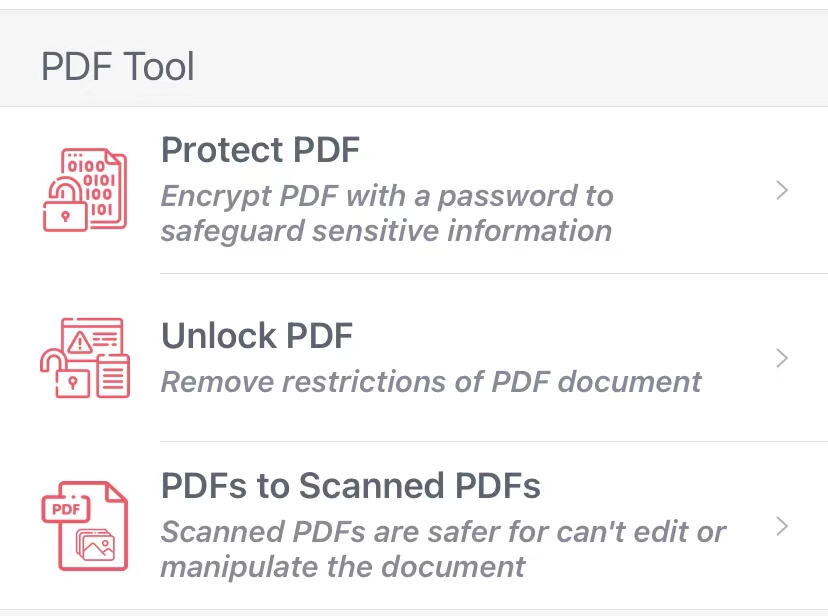
A contract must be locked before it leaves your hands — or a file you own is locked against you. Add a password to protect it, or remove restrictions you're entitled to lift.
A screenshot or a photo needs to become a shareable PDF. Drop it in, and it's a document in seconds.
One app, an entire workshop. PDF Factory for iOS keeps the original content intact — text stays text, images stay sharp — and it never sends your files anywhere. Every tool runs locally, so a missed connection or a private document is never a problem. What you do with your PDFs stays your business.
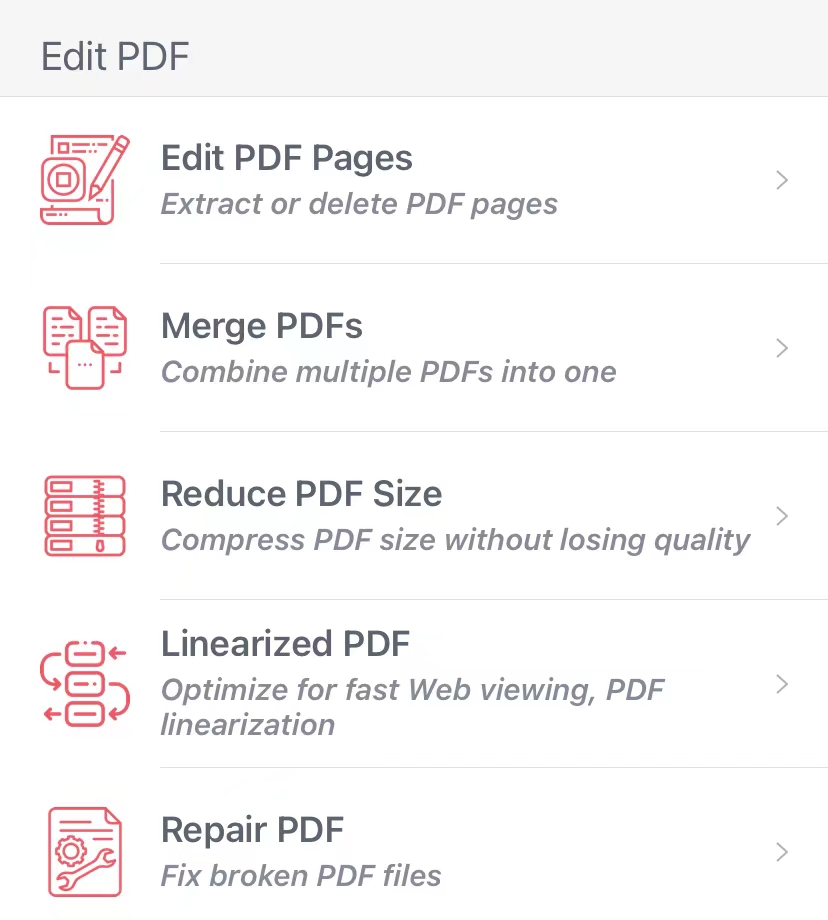
Shape the document the way you need it, page by page or in bulk — all without leaving your phone.
Take control of who can open and what can be done with a document — and undo those limits when the file is yours.
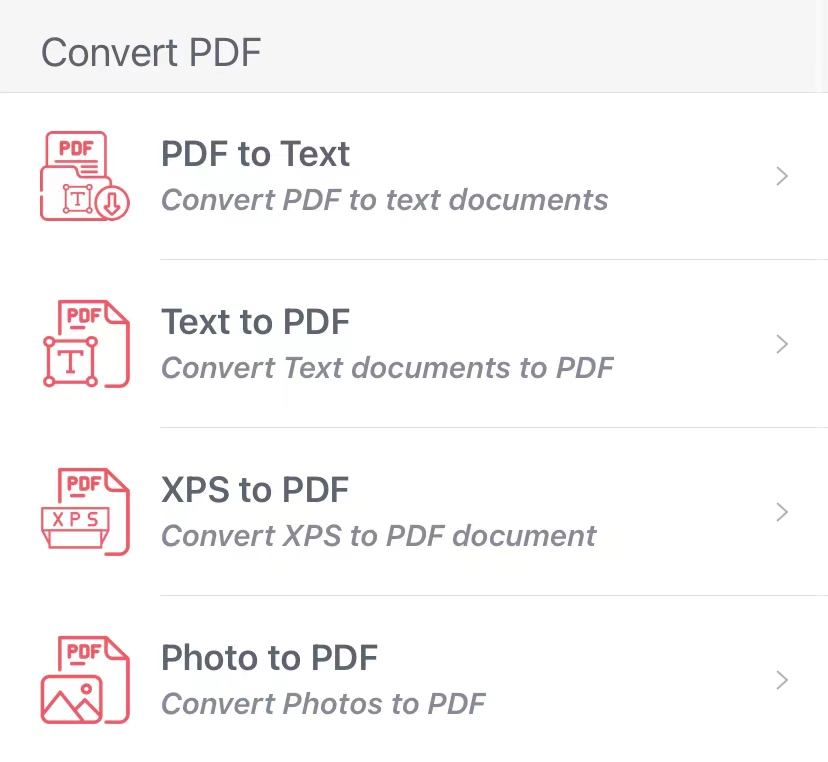
Move content between PDF and the other formats you actually work with, on the spot.
Every operation happens on your iPhone or iPad. Nothing is uploaded to a server, nothing is stored in the cloud, and no account is ever created. For confidential contracts, financial statements or personal documents, that local-only processing is the safest place your files can be.
The layout is deliberately simple. Here is the whole flow for the most common job — pulling pages out of, or trimming pages from, a PDF.
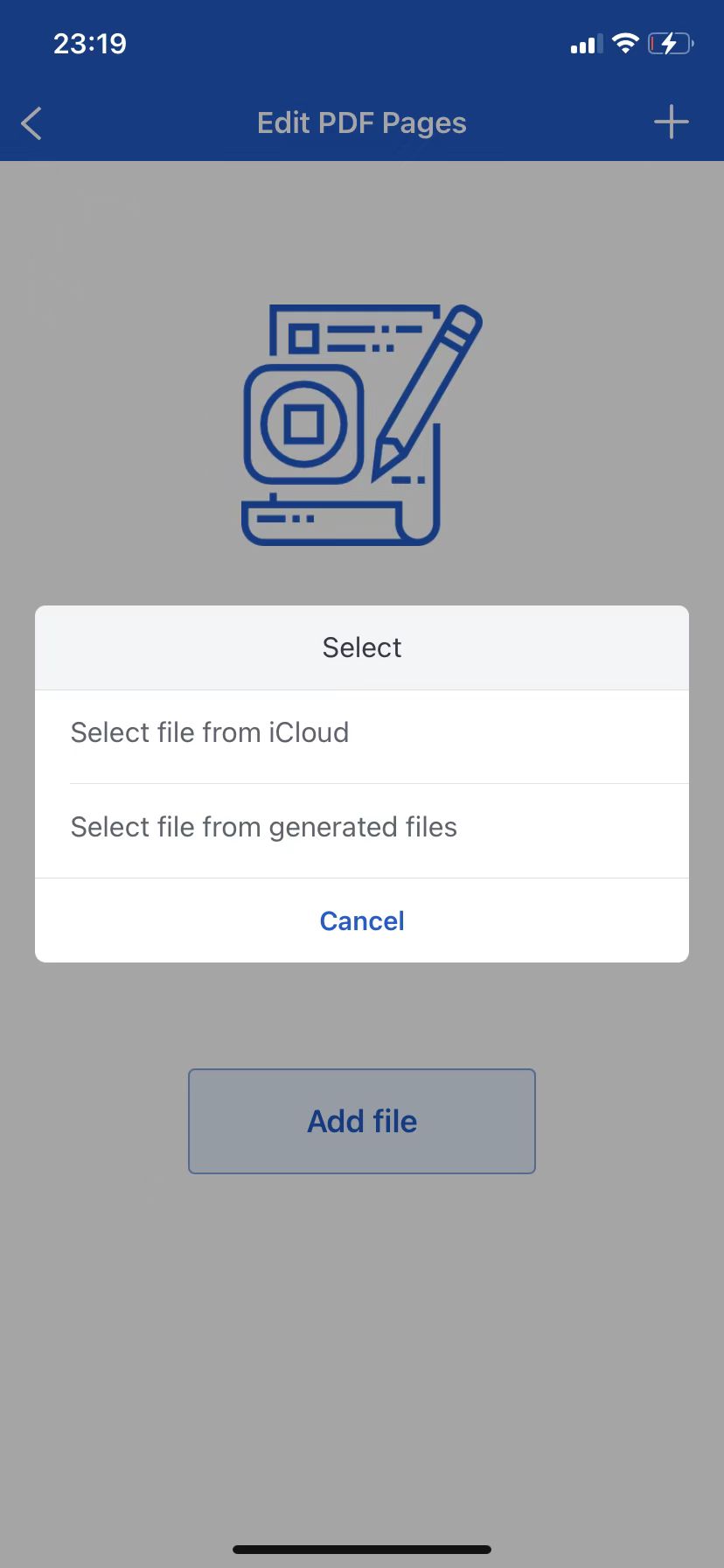
Tap to import the PDF you want to work with. The document opens in the page list, ready to be browsed.
Choose the pages you want to keep or remove. Selection is direct and visual, so there's no guessing about what ends up in the result.
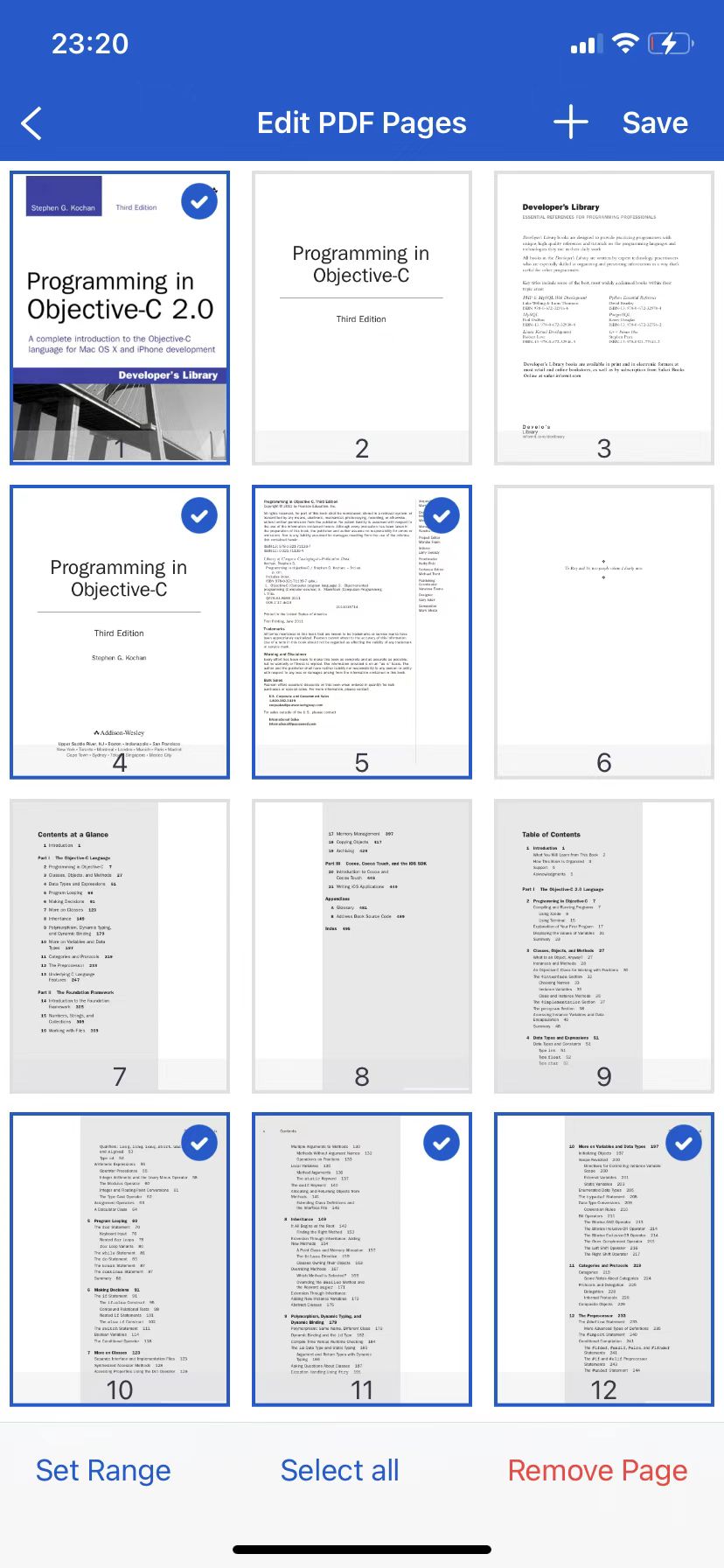
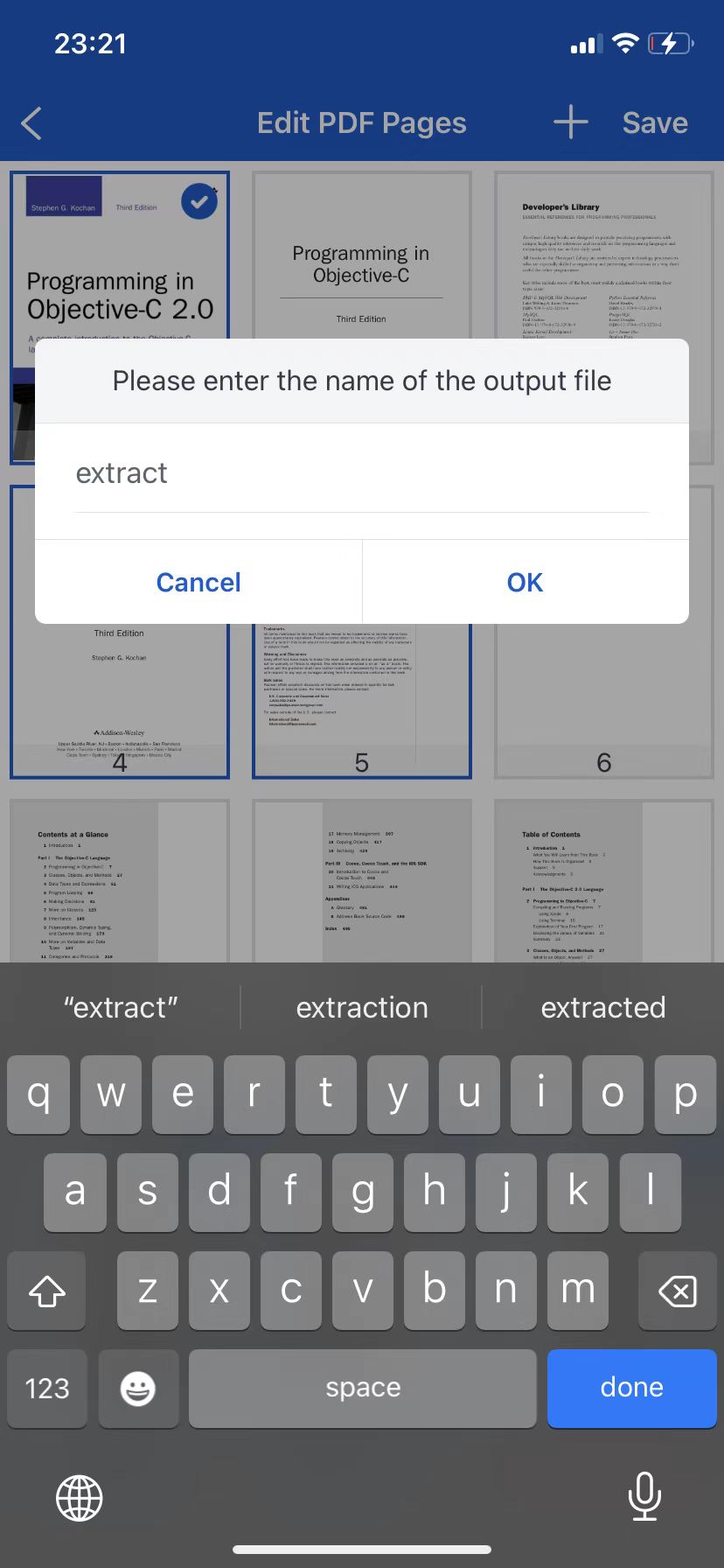
To pull pages out, tap save and give the output file a name. To remove pages, delete them first, select everything that remains, then save. Your original file is left untouched.
PDF Factory is built around a handful of ideas that make it comfortable to use every day. Keep these in mind and the app stays out of your way.
A clear, approachable interface means anyone can get the job done without reading a manual first.
Start the moment you download. No sign-up, no profile, no hoops to jump through.
Localised into English, Chinese, Spanish, French, German, Portuguese and more, for users everywhere.
Files are processed on your device and never uploaded — the highest safety level for sensitive documents.