Tired of retyping an entire PDF just to quote a single paragraph? Locked-down text, scanned pages that export blank, and web converters that make you upload sensitive files — PDF to Text Converter Expert removes every one of these hurdles. Drop in one document or a whole stack and walk away with clean, editable .txt files in seconds, all without your files ever leaving your Mac.
System Requirement: macOS 13.5 or later · Native support for Apple Silicon and Intel
You can see the words, but you can’t use them. You need a paragraph from a report, contract, or research paper — but the PDF won’t let you select it cleanly, the copy comes out with scrambled line breaks, or the layout is locked down entirely. So you end up retyping page after page by hand, wasting time and introducing typos along the way. The longer the document, the worse it gets.
Scanned PDFs quietly come back completely empty. A scanner export, a phone photo, or a PDF built from images has no real text layer underneath. Run it through an ordinary “PDF to text” tool and you get a blank, 0-byte file — nothing looks broken, but there is simply no text there for it to read, and you’ve wasted a conversion cycle before you realize it.
Online converters cost you privacy and control. Feeding contracts, financials, or client records to an unknown website means uploading confidential documents to someone else’s server. On top of that, you’re often forced to convert a 300-page file when you only need one chapter, and password-protected PDFs are rejected outright before you even start.
One native Mac app that ends the runaround. PDF to Text Converter Expert is built around the way you actually work with documents: add files in bulk, extract clean plain text instantly, lean on built-in OCR when a page is scanned or photographed, choose exactly which pages to convert, and open password-protected files without a workaround. Everything — including OCR — runs locally on your Mac, so your documents stay yours.
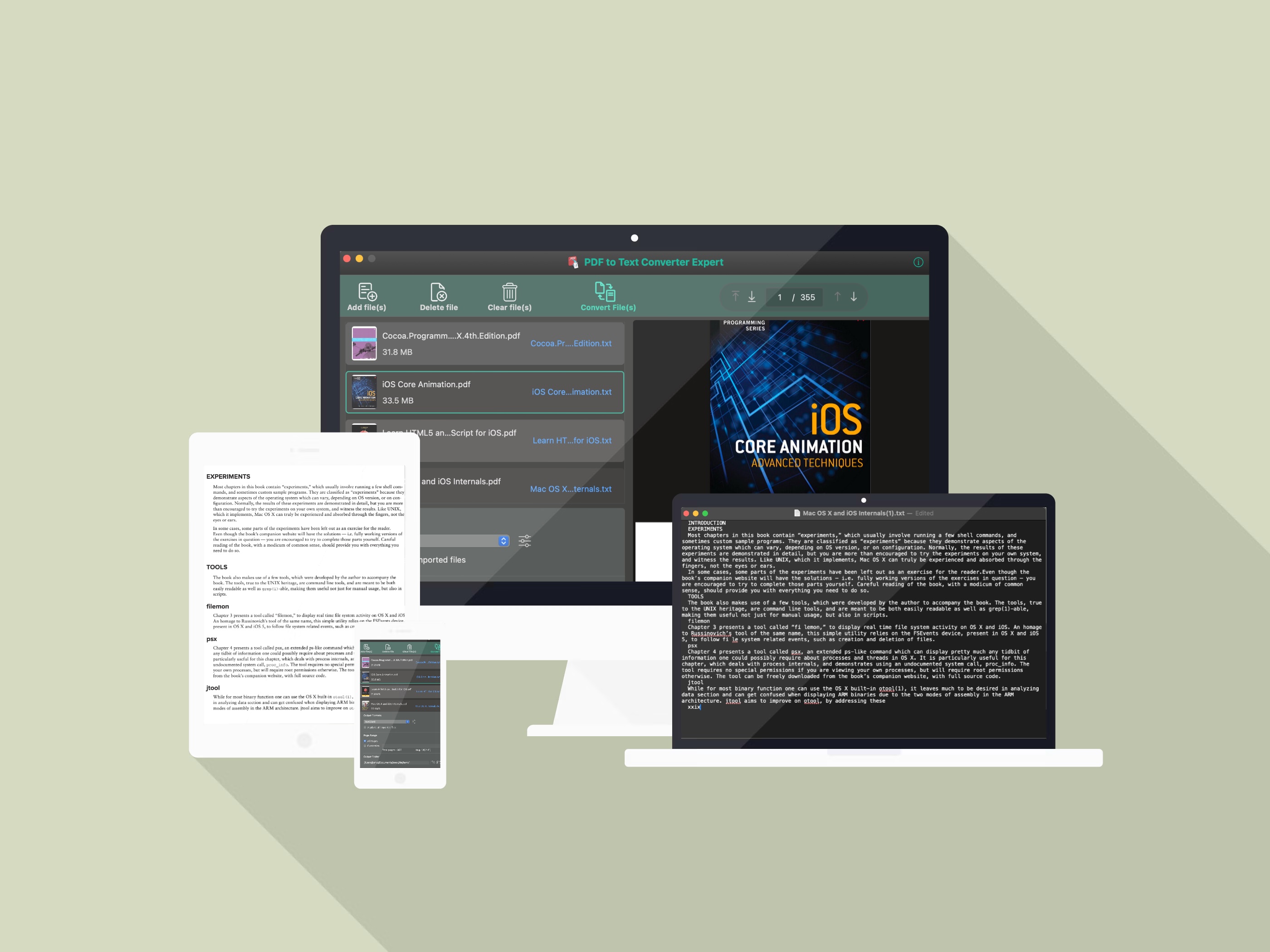
Stop rebuilding documents by hand. Add a single PDF or dozens at once, and each one becomes a clean .txt file you can search, edit, quote, and paste into any app.
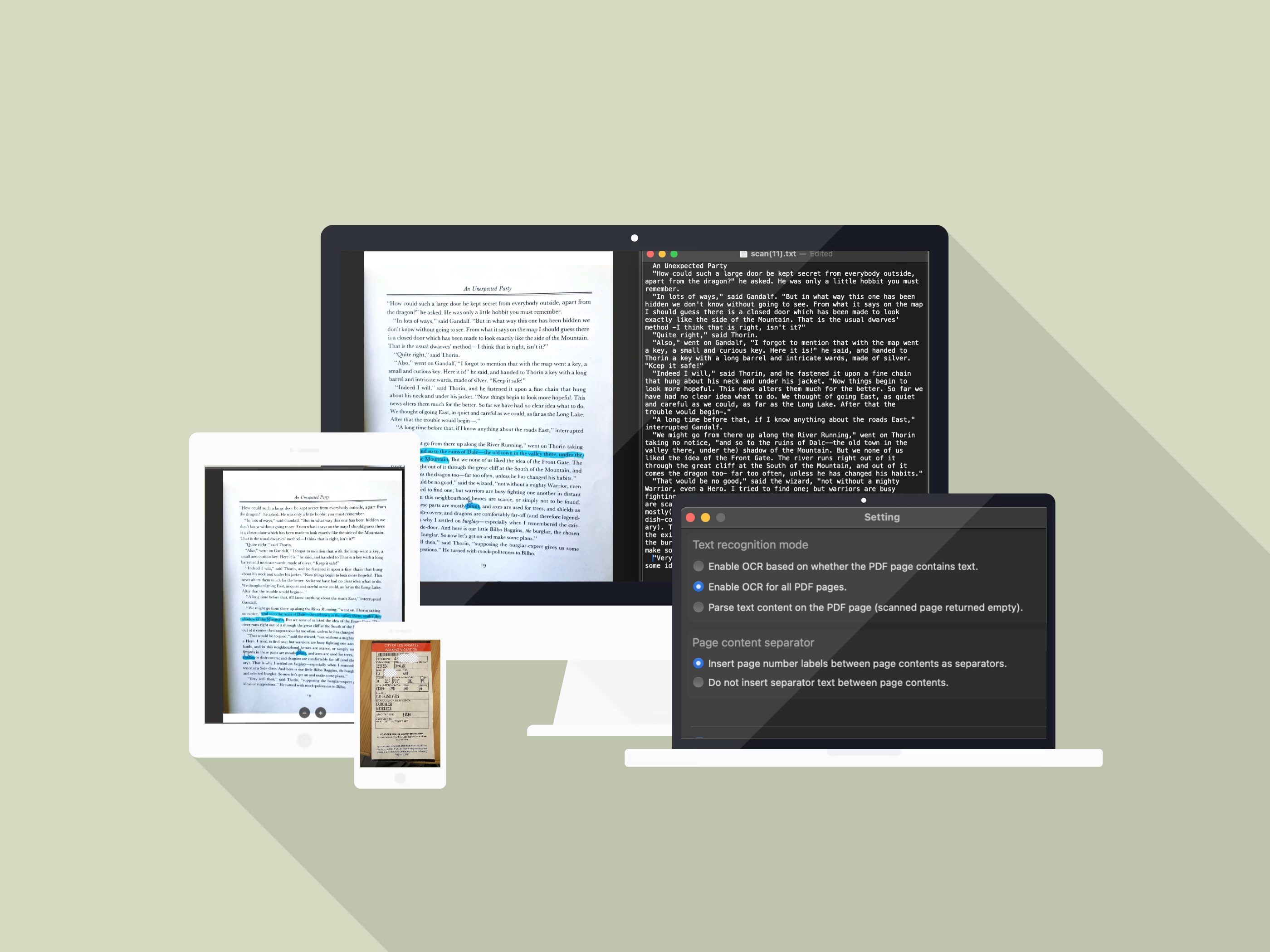
A scanned PDF is really just a picture of a page — that’s exactly why basic tools hand you a blank file. Built-in OCR reads the words inside that image, so scans, photos, and image-only PDFs still come back as real, selectable text.
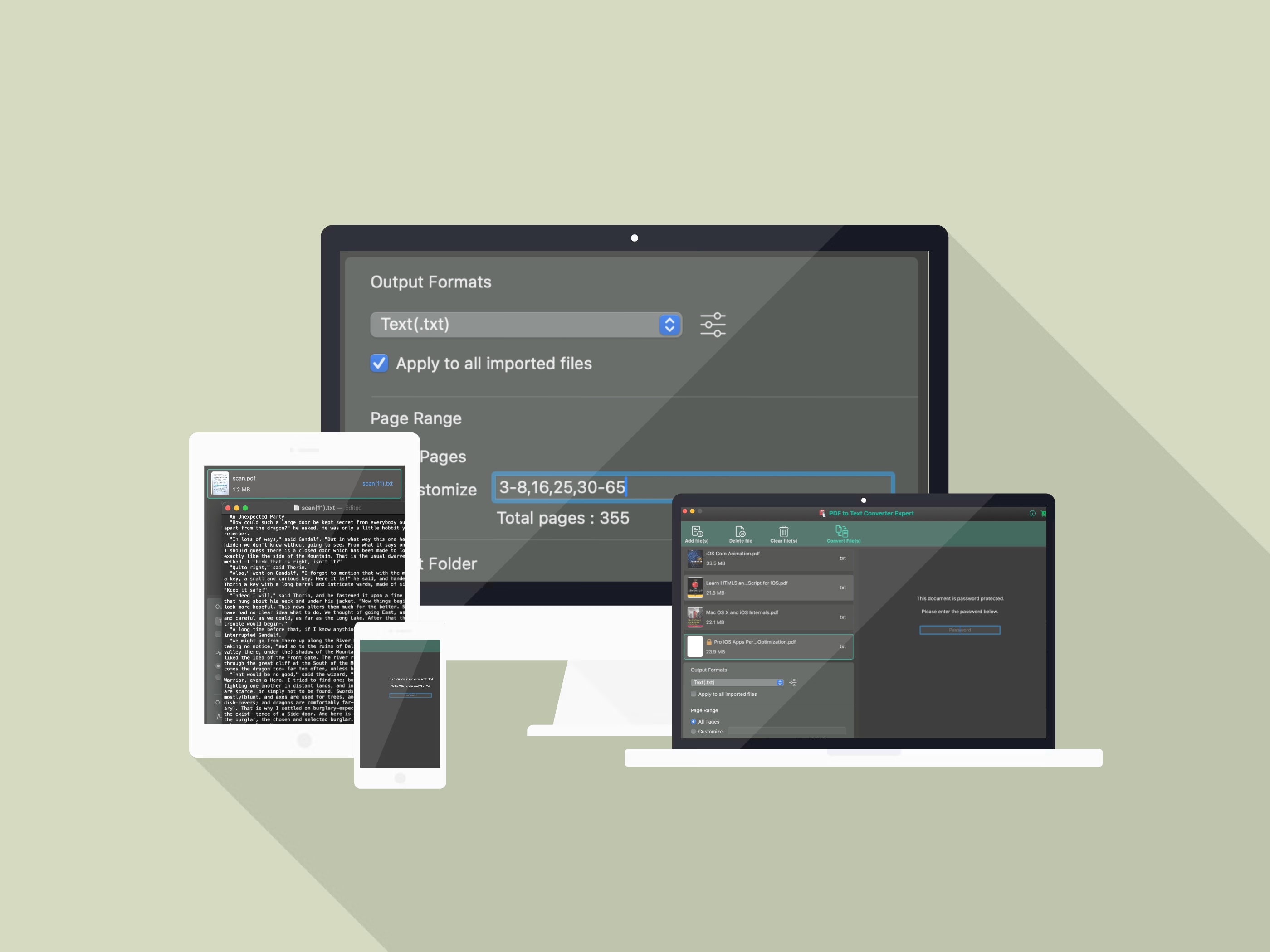
Why process a 355-page manual when you only need one chapter? Stay in control of the page range, the batch scope, and even locked-down files.
3-8,16,25,30-65Text extraction and OCR both run 100% locally on your Mac. No uploads, no accounts, no sensitive documents sitting on a stranger’s server.
Queue up a folder full of PDFs and let it run. Each file becomes its own .txt — no opening and converting documents one by one.
Get paste-ready .txt output with optional page separators, instead of fighting broken line breaks and unselectable text.
If you also need to shrink heavy PDFs or work with other document formats, take a look at our PDF Compress Expert for Mac.